Silent Auction Checkout for Organizers: 5 Steps From Close to Handoff

Silent Auction Checkout for Organizers: 5 Steps From Close to Handoff
Run your auction checkout process as a pre-planned lifecycle: pre-stage items, capture or tokenize payment details before bidding closes, split payment and pickup into separate stations, and staff trained volunteers to keep lines moving. Follow PCI guidance, lean on mobile bidding with tokenized payments, and use a planning tool like Jubiliq to keep event details and day sheets in one place.
TL;DR:
- Capture card details at registration or through mobile bidding, but publish a decline policy because saved cards can fail at checkout.
- Close tables in waves every 10 to 15 minutes to spread demand; smaller auctions can close together when mobile bidding uses saved cards.
- Keep raw card numbers off your systems with hosted or tokenized payments, verify each vendor’s AOC, and require MFA for accounts accessing card data.
- Run a mock checkout with a declined card and missing item, then give volunteers role cards naming escalation contacts for reader failures.
- Publish and announce one early checkout rule, then apply it consistently; exceptions can disrupt checkout flow and tracking.
Table of Contents
- How do you run silent auction checkout from close to handoff?
- Which payment methods are fastest, and how do you keep them secure?
- How should you stage and label items for quick pickup?
- Who does what at checkout, and how do you train them?
- Should you close bidding all at once or in waves?
- Why treating checkout as a lifecycle pays off
- How Jubiliq helps you run checkout
- FAQ
- Sources
How do you run silent auction checkout from close to handoff?
Checkout means identifying winning bids, notifying winners, collecting payments, and distributing items, as the Silent Auction Closing and Checkout Guide describes it. Here is the sequence volunteers can run the moment bidding ends:
- Announce the close and set one early-checkout rule. Say it from the stage and print it on signs. Avoiding early checkouts keeps one-off exceptions from creating chaos at the tables.
- Freeze bidding and confirm winners. Match each bidder ID to its winning lot numbers before anyone walks to a payment station.
- Send winners to payment. Process card, cash, or check at the right lane, and give each winner an itemized total.
- Print the receipt and pickup tag. Attach it to the paid item list, then direct the winner to the pickup station.
- Reconcile and secure. Compare station totals with your auction software, then lock away unsold or held items.
Put the checkout area where guests can see it. A visible location, a dedicated work area, and organized paperwork all help, according to the same Essential Silent Auction Checkout Tips guide. For tracking revenue against ticket sales and donations at event end, our fundraiser planning checklist shows how to build that reconciliation into your day sheet.
Which payment methods are fastest, and how do you keep them secure?

The fastest setup captures a card before the auction opens, either at registration or through mobile bidding, so winners only confirm a total at close. The tradeoff is verification: saved cards speed the line but need a clear policy for declines. Telling guests at invitation time that a card will be requested helps, and our guest communication plan covers how to sync that message with RSVPs.
Tokenization keeps raw card numbers out of your environment. Migrating to a hosted payment page can narrow PCI scope, and one nonprofit reached compliance in 60 days.
- Dedicated cash and check lane: it keeps slow transactions away from card lanes.
- Virtual terminal for exceptions: use it for declined cards or split payments.
- Vendor attestations: verify each vendor’s AOC before the event.
- MFA on accounts: PCI DSS 4.0 requires MFA on all accounts accessing card data.
- ASV scans: schedule them if your payment architecture calls for external scans.
A hosted payment page brought one nonprofit to compliance in 60 days, and the cleaner checkout improved the donation experience.
How should you stage and label items for quick pickup?
Treat staging as part of checkout. Successful organizers pre-stage items grouped by category or winner ID, so nobody hunts through boxes while a line builds.
- Put high-value items closest to the checkout area, and group the rest by category or bidder ID.
- Use color-coded stickers or labeled bins so a runner can find a package quickly.
- Print labels in advance for each lot, then attach the receipt or pickup sheet after payment.
- Keep a secure, clearly marked pickup zone near the exit so finished guests leave the flow.
- Hold travel certificates, gift cards, and other redeemable items at the payment desk; for redemption logistics on travel packages, this charitable auction travel workflow is a handy reference.
Pro Tip: Print and attach the transaction slip the moment payment clears, so pickup never depends on a lookup.
Who does what at checkout, and how do you train them?
Assign roles on paper before the night begins, and rehearse them. Organizers who walk volunteers through the full flow in advance avoid slowdowns during the rush.
- Payment processor: runs cards, cash, or checks and prints the receipt.
- ID verifier: matches bidder ID to winning lots.
- Pickup runner: retrieves staged items and hands them off.
- Floater: solves problems so lanes keep moving.
- Checkout supervisor: owns escalation, including tech failures.
Set up an express lane for prepaid or single-item winners, a separate cash and check lane, and several card lanes for peak traffic. Run a short mock checkout with a couple of messy scenarios, like a declined card or a missing item. Hand out printed role cards that list who to call when the card reader fails.
Should you close bidding all at once or in waves?
Staggered closings release groups of tables every 10 to 15 minutes, which spreads guests across the evening and prevents one giant surge at the payment desk. A single universal close suits smaller events, or auctions where mobile bidding with saved cards makes payment nearly instant.
- Use an emcee countdown, a visible clock, and repeated signage.
- Give a final “last call” warning a few minutes before each close.
- Publish the close order in the program so guests plan their evening.
- Apply the early-checkout policy to everyone, with no exceptions for friends of the board.
Why treating checkout as a lifecycle pays off
Most checkout trouble is a planning problem wearing a volunteer’s name tag. A lost lot, a card that will not process, and a line that wraps around the room usually trace back to a step nobody rehearsed. A walkthrough before doors open is a simple fix: run three fake winners through the whole flow and watch where people hesitate. Guests remember a smooth exit far longer than they remember the lots they bid on.
— HCRF
How Jubiliq helps you run checkout
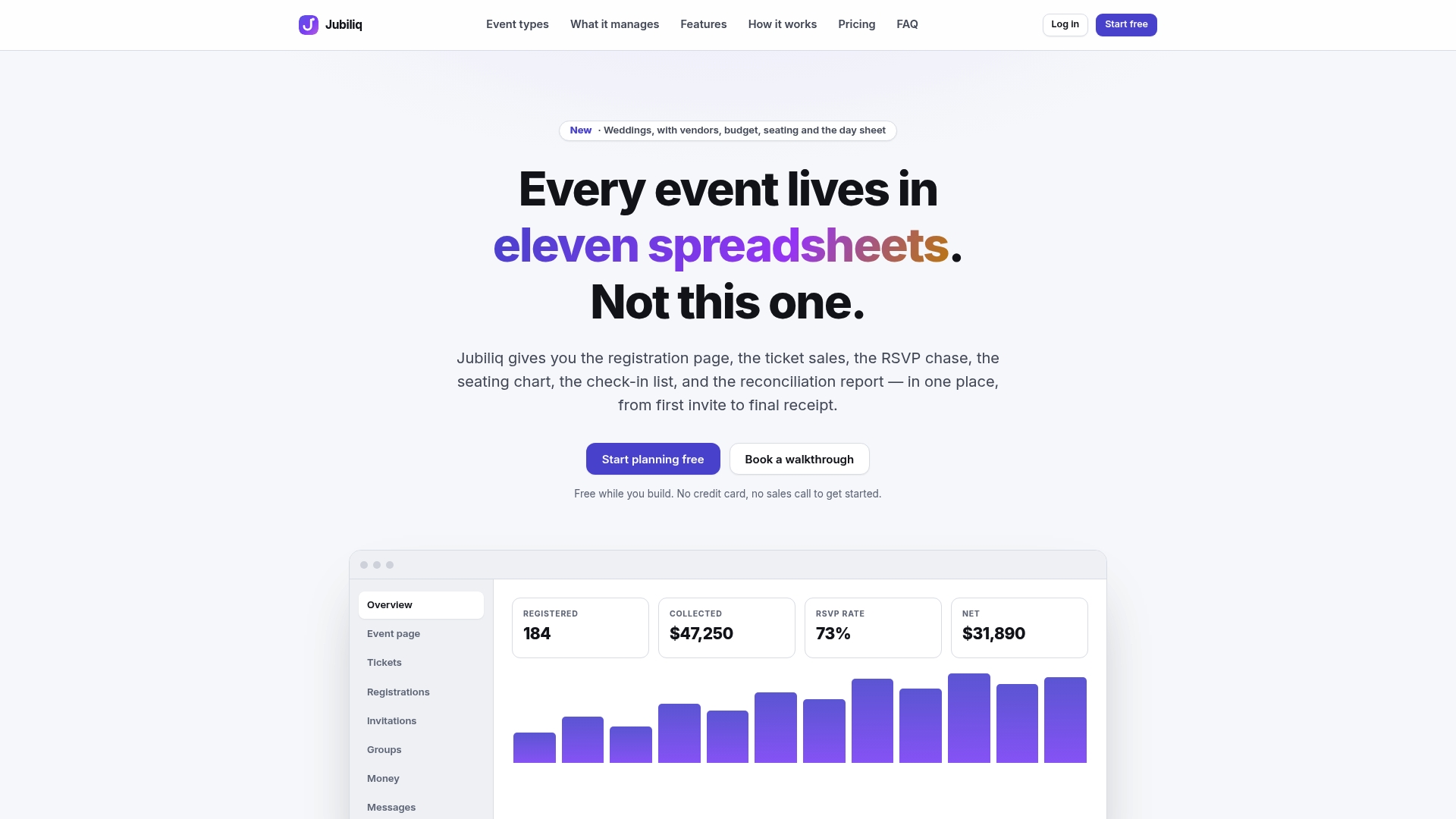
We built Jubiliq to help you manage event details in one place, and you can compare our plans to see what fits your event:
- Adaptive workflows that customize planning tools based on event type.
- Guest list, RSVP, and ticket tracking.
- Financial tracking for your event.
- Printable day sheets for checkout night.
Open your account today and build your checkout day sheet before the next auction.
FAQ
How long does a buyer have to pay after winning an auction?
For silent auctions, payment is normally collected the same night, at checkout. Set the rule in your event communications and enforce it at the payment station. Online or follow-up payments need a stated deadline written into your bidder terms.
Why use staggered closings in a silent auction?
Closing tables in groups every 10 to 15 minutes keeps guests from reaching the payment desk all at once. Smaller auctions with mobile bidding can close everything at once instead.
What is the safest way to take card payments at an auction?
Use a hosted or tokenized payment page so card data never touches your own systems. Hosted payment pages can narrow PCI scope, and your vendor should provide its AOC on request.
How do you stop checkout lines from backing up?
Pre-stage items, split payment from pickup, and give prepaid winners an express lane. Rehearse the flow with volunteers before the event so each person knows their role.
Sources
- Silent Auction Closing and Checkout Guide
- PCI Compliance Guide for Nonprofit Donations
- What Do Nonprofits Need to Know about PCI 4.0