Organizers: 7 Event Website Pages and Features Backed by GDPR and WCAG

Organizers: 7 Event Website Pages and Features Backed by GDPR and WCAG
An effective event website must show the core event details, handle registration and ticketing securely, send automated confirmations and reminders, present an agenda and speaker lineup, carry clear calls to action, and meet basic accessibility and privacy standards. These essentials apply whether the event is in person, virtual, or hybrid, and whether you build a dedicated site or a dedicated section on an existing one.
TL;DR:
- Clear core pages and features are essential, including event details, agenda, speakers, registration, FAQ, and contact, tailored to event size and format.
- Registration must support multiple ticket types, include GDPR-compliant consent, and store data securely with easy exportability for finance reconciliation.
- Automated attendee communications should be set up for confirmations and reminders, with content optimized for mobile devices to maximize engagement.
- Accessibility and privacy standards require alt text, keyboard navigation, color contrast, and consent checkboxes, with data access limited to authorized personnel.
- Using an integrated platform that combines registration, payments, email, calendar sync, and check-in reduces data gaps and streamlines event management.
Table of Contents
- 1. Core essentials checklist: pages and features to include
- 2. Registration and ticketing essentials
- 3. Attendee communications and marketing
- 4. Content and design essentials
- 5. Accessibility and compliance basics
- 6. Tools, integrations, and how an integrated platform helps
- 7. Publish, run-day operations, and post-event follow-up
- Prioritizing what to build first
- How Jubiliq brings these essentials together
- Sources
- FAQ
1. Core essentials checklist: pages and features to include
Before writing a line of copy, map out which pages and features your event actually needs. A one-day conference and a multi-day summit have different priorities, but the baseline stays the same.
Essential pages:
- A landing page with a clear headline and one primary call to action.
- An event details page with date, time, location or virtual link, and format.
- An agenda page showing sessions, times, and rooms or tracks.
- A speakers or presenters page with photos and short bios.
- A registration or ticketing page with secure checkout.
- An FAQ page covering logistics, refunds, and accessibility.
- A contact page naming the organizer and a response channel.
Essential features include a mobile-first layout, a calendar download (iCal) option, a printable day sheet for staff, and an analytics tracking pixel to measure traffic sources.
For a single-session event, these can collapse into one scrolling page. For multi-day or multi-track events, split them into separate pages so attendees can bookmark and share specific sections.
2. Registration and ticketing essentials
Registration is where the website earns its keep. The checkout needs to support multiple ticket types (general admission, VIP, group rates), promo codes for partners or early adopters, and payment processing that protects both the organizer and the buyer from fraud.

Keep the registration form lean. Ask for what you need to run the event and nothing more, since every extra field reduces completion rates and adds GDPR compliance risk. Separate consent checkboxes for the privacy policy and the event terms and conditions, rather than a single bundled checkbox, keep the organizer’s audit trail clean.
IEEE’s GDPR guidance for event organizers requires exactly this separation, along with records of consent kept for audit purposes. It matters because a vague consent flow is one of the easiest compliance gaps to spot after the fact.
- Offer at least two ticket tiers plus a promo code field for partners.
- Store registrant data with role-based access, not open to the whole team.
- Export registration data to CSV for finance reconciliation after the event.
3. Attendee communications and marketing
The website’s job does not end at checkout. Automated messaging keeps attendees informed and reduces no-shows and support emails.
- Confirmation email: Send immediately after purchase with the event name, date, location or link, and a mobile-friendly ticket or QR code attached.
- One-week reminder: Reinforce logistics and parking or login details, segmented by ticket type so VIPs get different instructions than general admission.
- Twenty-four-hour reminder: Repeat the essentials and flag any last-minute changes.
- One-hour reminder: A short nudge with the direct link or venue address, useful for virtual sessions especially.
- Social and SEO support: Add shareable event cards for social platforms and write page copy with the event name, date, and city so search engines can surface it, plus embeddable registration widgets on partner or sponsor pages to capture conversions outside your own domain.
4. Content and design essentials
Strong content builds the trust that converts a visitor into a registrant. The agenda should list time, room or track, and session type (keynote, panel, workshop) with a one or two sentence description per session, not a full paragraph.
- Give each speaker a photo, a 50 to 100 word bio, and a link to their session or supporting resources.
- Use a single hero image that represents the event clearly, with descriptive alt text for every image.
- Compress media files so pages load fast on mobile connections.
- Place your primary CTA above the fold and repeat it after the agenda and speaker sections.
Pro Tip: Test your CTA wording and placement on a phone screen first. Most registration traffic for public events arrives on mobile, and a button that works on desktop can disappear below the fold on a smaller screen.
5. Accessibility and compliance basics
Accessibility and privacy are not optional add-ons. They are baseline requirements that protect attendees and reduce organizer liability.
Aim for a WCAG 2.2 AA baseline, which provides testable success criteria that cover most common accessibility needs and tend to improve usability for every visitor, not just those using assistive technology.
- Add alt text to every image and caption every video.
- Confirm the site is fully usable with keyboard navigation alone.
- Check color contrast on text, buttons, and form fields.
- Link the privacy policy directly on the registration form, with separate consent checkboxes as IEEE’s guidance outlines.
- Limit who can view registrant reports and document when attendee data is disposed of after the event, as IEEE’s post-event guidance recommends.
6. Tools, integrations, and how an integrated platform helps
Running registration, email, calendar sync, and check-in as separate tools creates gaps where data goes stale or fields stop matching. An integrated platform closes those gaps by keeping payments, email, calendar exports, and check-in scanning in one record.
- Payment processing tied directly to the registration record.
- Email provider connected for confirmations and segmented reminders.
- Calendar and iCal export built into the event page.
- QR or barcode check-in linked to the same guest list used for registration.
- CSV export for accounting, matching what finance teams already use.
The CMP International Standards list website and technology assessment among the core skills event professionals need, and recommends choosing tools that map directly to the event’s goals rather than bolting on extras. An adaptive interface that hides irrelevant options for a given event type saves setup time and cuts the chance of missing a required field.
7. Publish, run-day operations, and post-event follow-up
Launching the site is a checklist, not a single click.
- Test the full payment flow with a real card and a test ticket before launch.
- Check every page on a phone, a tablet, and a desktop browser.
- Confirm SEO metadata (title, description) is filled in for every page.
- Verify the analytics pixel fires and every link resolves.
- On the day, use QR or barcode scanning for check-in and keep printed day sheets as backup.
- Push live updates for any schedule or room changes.
- After the event, send a short survey, post recording links if applicable, and reconcile ticket revenue against the CSV export.
Prioritizing what to build first
Build the registration form, confirmation email, and mobile ticket delivery first. Everything else, from agenda polish to speaker photos, can follow once the purchase path works on a phone. Test checkout across devices before you touch design, and keep any A/B test narrow: one headline or one button color at a time.
— HCRF
How Jubiliq brings these essentials together
Some event platforms handle registration, ticketing, automated confirmations and reminders, and day-of check-in inside one adaptive interface that adjusts itself to the event type being run. Budget tracking and a printable day sheet can stay in the same system as the guest list.
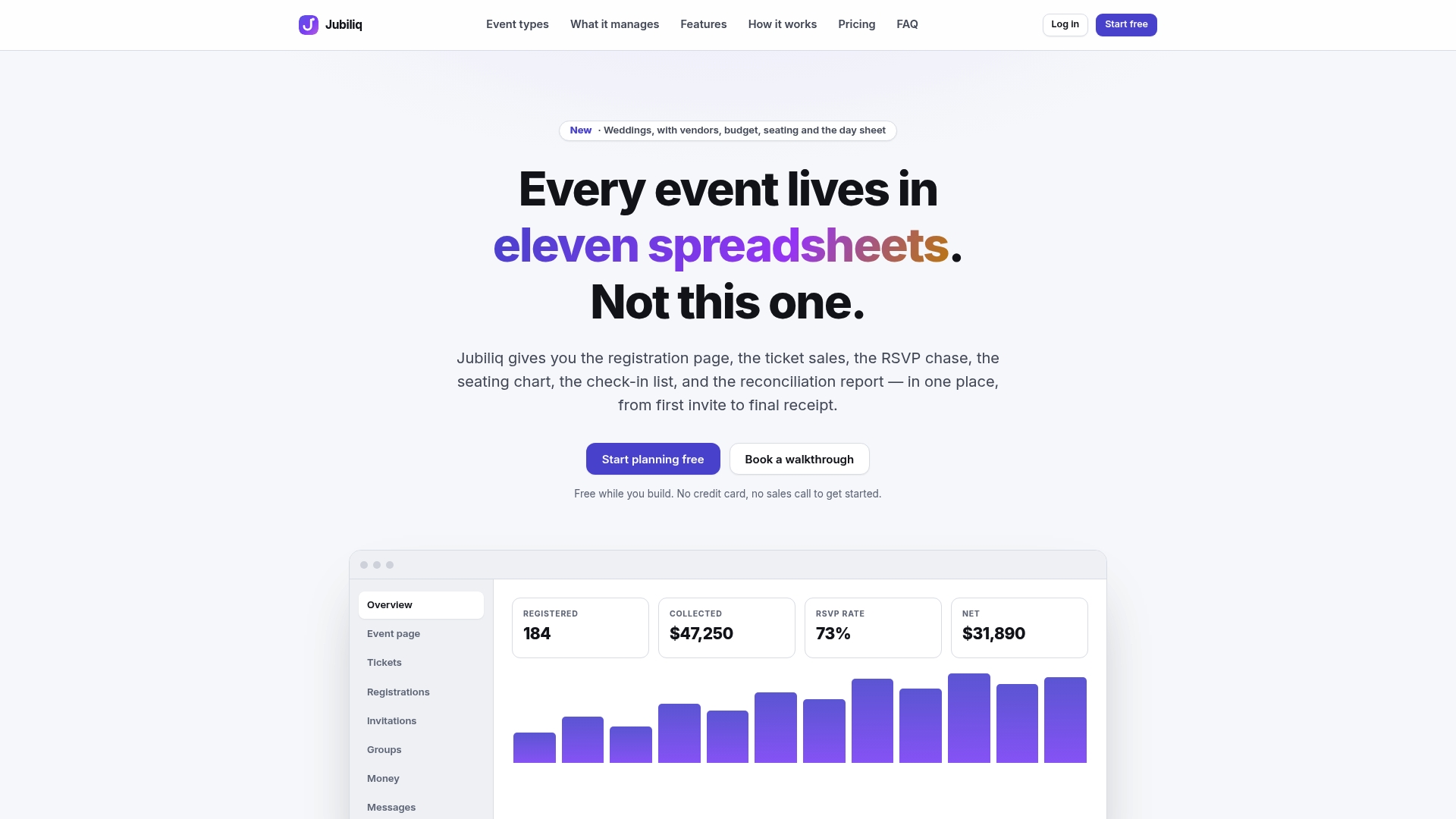
Visit the Jubiliq landing page to see the plans, including a free Starter option for events without paid tickets.
Sources
For accessibility implementation, the WCAG 2.2 overview lays out the testable success criteria behind an AA baseline. For registration-form consent and data handling, IEEE’s GDPR compliance guide covers what organizers need on the form itself. The CMP International Standards frame website and technology choices against event goals, and Webflow’s how-to guide on event websites walks through practical page-building steps. For catering logistics referenced on an event page, Shawarma Kingdom offers a working example of how that content reads.
- CMP International Standards (2025)
- GDPR compliance guide for event organizers (IEEE)
- Web Content Accessibility Guidelines (WCAG) 2.2 overview
FAQ
What are the 5 C’s of an event?
Definitions vary across the event industry, and no single source in this guide defines a fixed “5 C’s” framework for events. Organizers are better served following the practical checklist above: details, registration, communications, content, and accessibility.
What are the 7 P’s of event management?
As with the 5 C’s, the “7 P’s” is a popular shorthand with no single agreed definition across event management sources. The essentials that matter in practice are the ones covered here: clear event details, secure registration, timely communications, and accessible design.
How do I build a website for my event?
Start with the core pages: event details, agenda, speakers, registration, FAQ, and contact, then add secure checkout and automated confirmations. A practical how-to guide walks through building these pages step by step, and a platform like Jubiliq can handle registration, communications, and check-in in one place.
What are the 5 P’s of event planning?
There is no single standard definition of the “5 P’s” across the sources used here. Organizers get more value from following a concrete checklist covering registration, communications, content, and compliance than chasing a mnemonic.
Do I need a dedicated event website or just a page on my main site?
Either works, as long as it covers the core essentials: event details, registration, agenda, and a clear call to action. A dedicated site makes sense for larger or recurring events, while a single page on an existing site can handle smaller gatherings.