Event Organizers: Registration Questions to Protect Your Event Day

Event Organizers: Registration Questions to Protect Your Event Day
Keep most registration forms to 6 to 10 fields: name, email, ticket type, dietary needs, accessibility, and one operational detail specific to your event, according to Web Accessibility Initiative guidance. Event-type questions, waivers, and demographic items get added only when they serve a real operational or legal purpose. The templates below cover both the core set and the add-ons, organized by event type and function.
TL;DR:
- Most registration forms should include only 6 to 10 essential fields to minimize abandonment and facilitate quick data collection.
- Clearly show the total price before payment and provide refund policies upfront to reduce disputes and confusion.
- Use explicit labels linked to inputs, mark required fields, and keep the form simple to ensure accessibility and ease of use.
- Incorporate specific event questions only as needed, using conditional logic to avoid overwhelming registrants with irrelevant fields.
- Confirmations should include detailed event info, a registration ID, and QR codes for fast check-in, with virtual events displaying time zone conversions.
Table of Contents
- Core questions every registration form should include
- Ready-to-use question groups for common event types
- How to ask about accommodations and demographic info inclusively
- Payment fields, waivers, and privacy notices that avoid disputes
- Field labels, placeholders, and cutting registration abandonment
- What to include in confirmations and day-of check-in
- Copy-ready short templates for common fields
- What registration fields actually protect on event day
- A practical option for running these workflows
- FAQ
- Sources
Core questions every registration form should include
Every registration form, regardless of event type, needs a handful of fields that do real work: confirming identity, enabling communication, and setting expectations before the event.
Start with full name, split into legal name and a preferred name field if you print badges, since many attendees go by a nickname that differs from their legal identity. Email is the one truly required contact field because it carries your confirmation and reminders; phone number works better as an optional backup for day-of logistics. Ticket or registration type should appear with a price summary before the attendee reaches payment, not after, so there are no surprises.
For dietary restrictions, combine a checkbox list of common options (vegetarian, vegan, gluten-free, nut allergy) with an open-text field for anything unusual, a structure recommended because checkboxes alone miss critical allergy detail that an open field catches, according to the DISCOVER Cookbook event registration guide. Accessibility and accommodations work best as a simple yes/no question with a follow-up text box for anyone who answers yes.
Reserve emergency contact and medical notes for events with physical risk, such as retreats or outdoor activities. Finally, build in consent checkboxes: a link to your privacy notice, a media release if you plan to photograph the event, and a code of conduct acknowledgment for multi-day or professional gatherings.
- Full name (legal and preferred, if badges are printed)
- Email (required) and phone (optional)
- Ticket type with price shown before payment
- Dietary restrictions (checkboxes plus open text)
- Accessibility needs (yes/no plus details)
- Emergency contact (high-risk events only)
- Consent checkboxes (privacy, media, code of conduct)
Pro Tip: Put the price-bearing ticket selection above any optional add-ons so attendees see the base cost before they’re tempted by upsells.
Ready-to-use question groups for common event types
Once the core fields are set, layer in questions specific to your event format. Each group below adds only what that format actually needs operationally.
Conference
- Number of days attending
- Session or track selections
- Institutional or company affiliation
- Interest in speaking or presenting
- Hotel block or parking needs
Webinar or virtual event
- Time zone for scheduling reminders
- Device or platform being used
- Any technical access needs
- A field to submit questions in advance
Workshop or training
- Skill level (beginner, intermediate, advanced)
- Equipment attendees will bring versus need provided
- License or continuing education number, if credits apply
- Mailing address, if materials ship ahead of time
Fundraiser or community event
- Opt-in to add a donation at checkout
- Interest in volunteering
- Interest in sponsorship
- How they heard about the event
Reception or party
- Plus-one name and meal choice
- Shirt size, if swag is part of the event
- Song request or shout-out field, where relevant
Multi-day retreat
- Lodging preference (single, shared, off-site)
- Roommate request
- Mobility or access needs tied to lodging
- Transport or shuttle requirements
Use conditional logic to keep these invisible until relevant. Ask “Will you need hotel accommodation?” first, and only reveal room-type fields when the answer is yes.
How to ask about accommodations and demographic info inclusively
Accessibility questions need both a clear ask and a respectful structure. Start with a direct yes/no: “Do you require any accommodations to participate fully?” Follow it with an open-text field and a direct contact option for anyone who prefers to discuss needs privately rather than type them into a form.
List concrete examples so attendees recognize what to ask for: ASL interpretation, a roll-in shower, a chemical-free room, or a personal care attendant. Set and state a realistic deadline: interpreter services typically need 2 to 3 months of lead time, so registration deadlines for accommodation requests should reflect that, according to the Vera Institute’s accessible events guidance.
Demographic questions (race, gender identity, disability status) should always be optional, briefly explain why you’re asking, and when the data has no planned use, an anonymous post-event survey is often the better venue for sensitive questions.
- Ask directly, then follow up with open text and a private contact option
- Give concrete accommodation examples, not vague prompts
- State accommodation deadlines on the form itself
- Make demographic questions optional and explain their purpose
Pro Tip: Keep labels visible at all times and link them to inputs with aria-describedby so screen readers announce both the question and any formatting instructions.
Payment fields, waivers, and privacy notices that avoid disputes
Payment and legal fields cause the most post-event friction when they’re vague or buried. Show the total price with every mandatory fee itemized before asking for card details, a practice regulators point to when they cite misleading fee disclosure as a common complaint source. Present your refund policy and cancellation deadline before purchase, not in a confirmation email after the charge goes through, since visible refund terms reduce chargebacks and disputes according to LegalClarity’s event registration guidance.
Liability waivers need their own checkbox, separate from a generic terms-and-conditions box, requiring an affirmative action tied specifically to the waiver language. Media releases should explain exactly how photos or video will be used and offer a clear opt-out. Collect only the personal data you actually need for the event and state how long you’ll retain it, consistent with the data minimization principle under UK GDPR.
- Itemize fees and show the total before payment
- State refund and cancellation deadlines up front
- Require a separate checkbox for liability waivers
- Explain media release scope and opt-out
- Collect only necessary data and state retention
Field labels, placeholders, and cutting registration abandonment
Use explicit <label> elements linked to each input with matching for and id attributes, the technique required under WCAG’s H44 labeling guidance so screen readers announce fields correctly. Never rely on placeholder text for instructions or labels, since it disappears once someone starts typing and often fails contrast requirements.

Mark required fields clearly and explain any expected format (date style, phone format) before the input, not after a validation error.
Simple registration forms should hold 6 to 10 questions, since each additional field adds friction and raises the risk of abandonment. Weigh every field beyond that against a concrete operational need, and use conditional logic to hide follow-ups until they’re relevant.
- Link every label to its input programmatically
- Skip placeholder-only instructions
- Mark required fields and format expectations clearly
- Cap most forms at 6 to 10 fields
What to include in confirmations and day-of check-in
A good confirmation flow has two parts: an immediate on-screen message and an automated email with a registration ID, event summary, and next steps. Include your refund policy, parking or hotel logistics, and anything attendees need to bring.
A scannable QR code or barcode in the confirmation speeds up check-in lines considerably on event day. For virtual events, show the session time converted to the attendee’s time zone and offer a one-click calendar add.
- On-screen confirmation plus a detailed email with registration ID
- Refund policy and logistics restated in the confirmation
- QR or barcode for fast check-in
- Time zone conversion and calendar add for virtual sessions
Copy-ready short templates for common fields
- “Full name” (text, required)
- “Preferred name for badge” (text, optional)
- “Email address” (text, required)
- “Phone number” (text, optional)
- “Ticket type” (radio, required)
- “Dietary restrictions” (checkbox plus text, optional)
- “Do you require accommodations?” (radio, triggers follow-up)
- “Accommodation details” (text, conditional)
- “Emergency contact name and phone” (text, high-risk events)
- “I agree to the liability waiver” (checkbox, required)
- “I consent to photo/video use” (checkbox, optional)
- “Dietary allergy details” (text, optional)
- “Time zone” (dropdown, virtual events)
- “T-shirt size” (dropdown, optional)
- “Upload proof of certification” (file upload, workshops)
What registration fields actually protect on event day
Every field on a registration form should earn its place by solving a problem that shows up during setup or check-in, not by looking thorough. A dietary checkbox that never reaches the caterer is wasted effort, and an accommodation question with no follow-up process is worse than not asking at all.
Quick day-of readiness checklist:
- Confirmed headcount against vendor orders
- Dietary and allergy list sent to catering
- Accommodation requests scheduled and staffed
- Waivers collected and filed
- Check-in list matches payment records
- Printed or digital day sheet ready at the door
— HCRF
A practical option for running these workflows
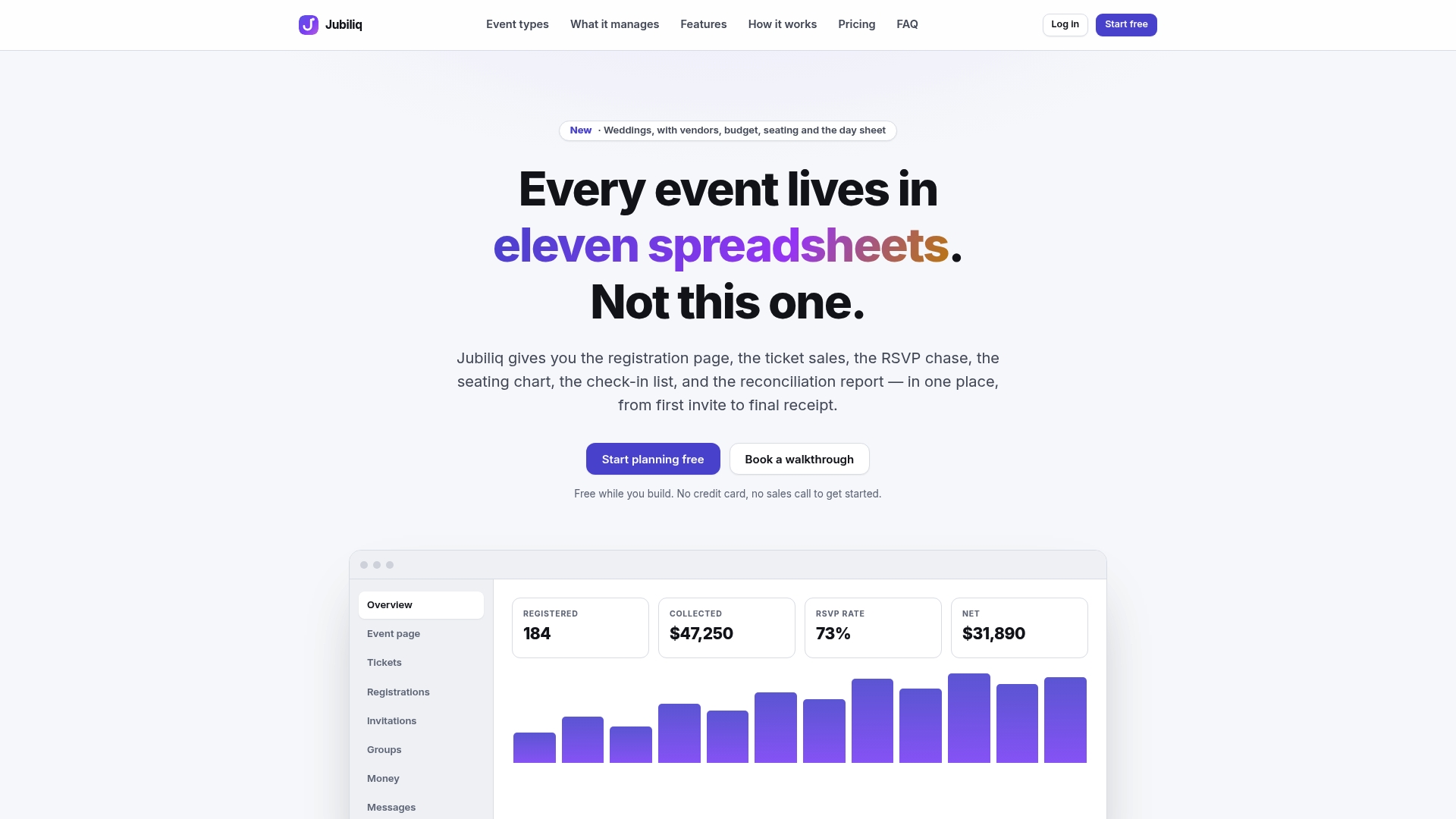
Building and maintaining all of these fields by hand across spreadsheets gets harder as guest counts grow. We built Jubiliq around adaptive workflows that adjust which fields show up based on your event type, with RSVP tracking, payment handling, accommodation flags, and a printable day sheet built in. If you’re setting up registration for your next event, our plans for organizers are worth a look.
FAQ
What questions are commonly asked when registering for an event?
Most event registrations ask for name, email, ticket type, dietary restrictions, and accessibility needs. Many also include a consent checkbox for privacy and media use, along with any event-specific questions like session selection or lodging preference.
How do I fill out a registration form?
Start with your contact details, then select your ticket or attendance type and review the price summary before paying. Answer any dietary, accessibility, or accommodation questions honestly, since these directly affect what organizers can arrange for you.
What are 10 questions I should ask an event planner?
Useful questions cover timeline, budget breakdown, vendor contracts, cancellation and refund terms, accessibility accommodations, dietary handling, day-of staffing, contingency plans for weather or technical issues, data privacy practices, and how check-in will work. The exact list depends on the event type and scale.
What are some common survey questions?
Common survey questions ask about overall satisfaction, specific session or vendor feedback, likelihood to attend again, and open-ended suggestions for improvement. Many organizers keep these separate from the registration form and send them as an anonymous post-event survey instead.